
How to Write Outstanding Titles
Discover effective strategies to enhance the appeal of your listings and attract more bookings. Learn tried-and-tested methods that can swiftly elevate the quality of your listings, making them more enticing to potential guests.


Lesson 1 : How to write an unignorable title
To help you craft the perfect title, we’ve compiled some templates and examples to guide you in writing that’ll help you highlight your property’s best features and attract the right guests.
3 min. – Reading time
Titles are important for two reasons:
- Travellers typically look at your photos, price and listing title first. (First impression)
- Each travel channel’s search algorithm uses title information for search result optimisation
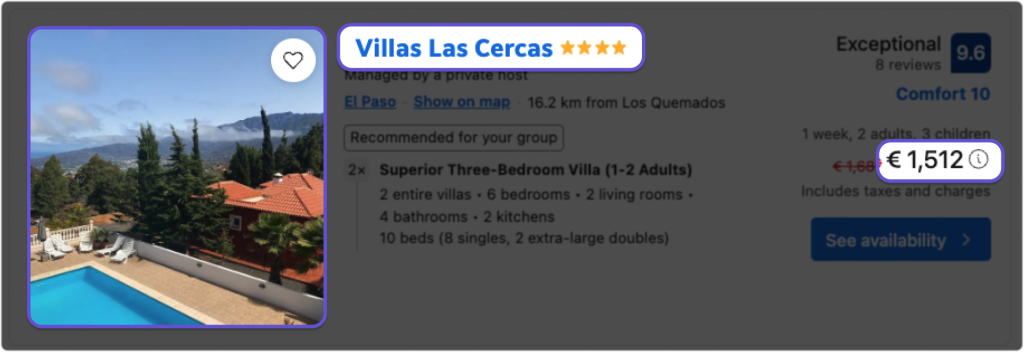
How to craft an attractive title that ranks high in search
Get inspired by starting with a template
Here are a few common templates to help you nail your listing title every time:

- [Adjective] + [Property Type] w/ [Top Features]
Example: Cosy Private Cottage w/ King Bed + Lake View
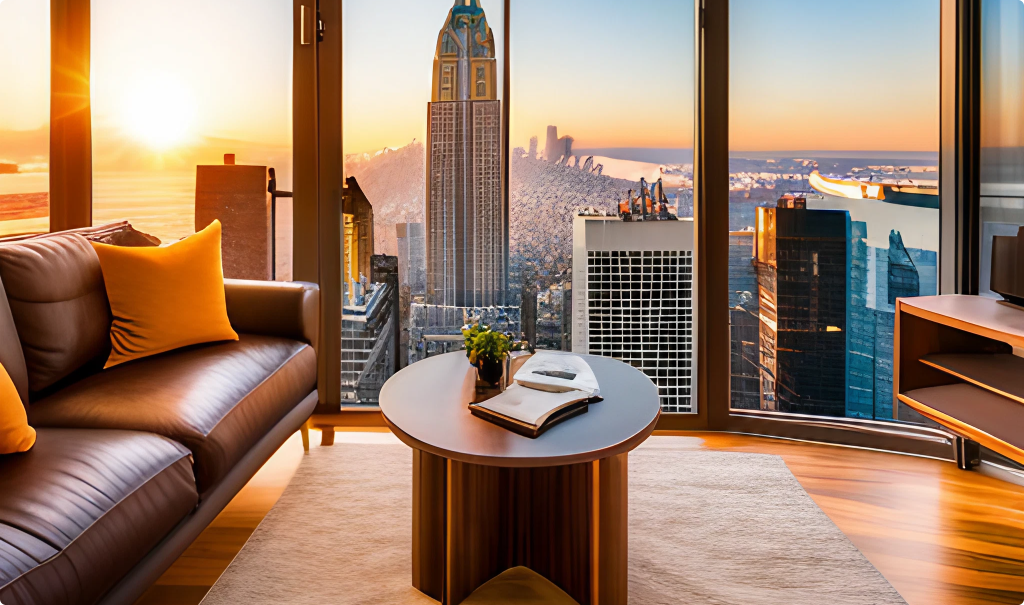
- [Adjective] + [Property Type] Near [Landmark] – [Distance]
Example: Roomy 4 BR Near Chrysler Building – 4 Min Walk
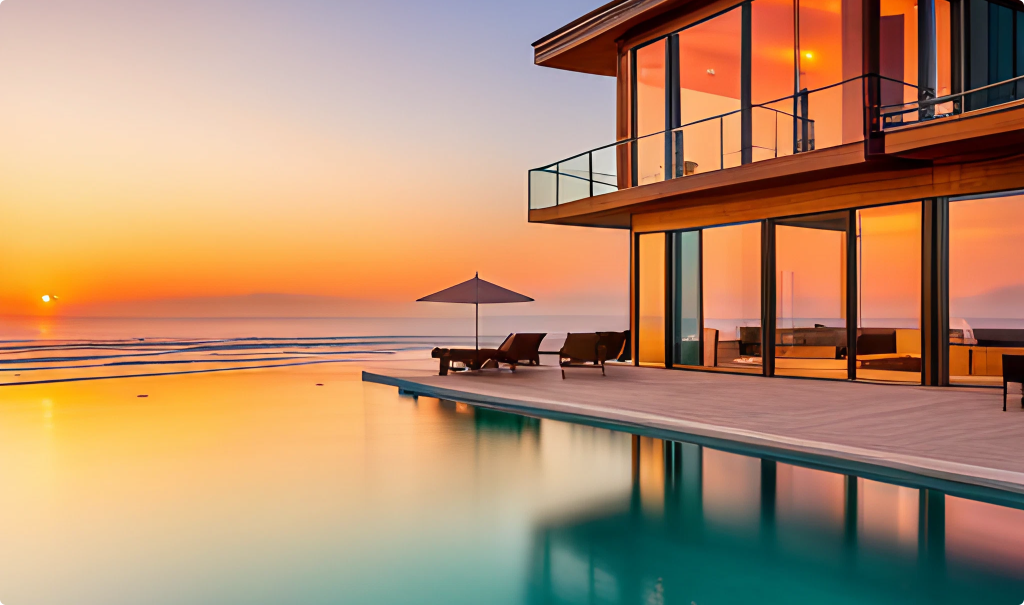
- [Adjective] + [Property Type] Perfect for [Experience Type]
Example: Enchanting Beach House Perfect for Romantic Getaway
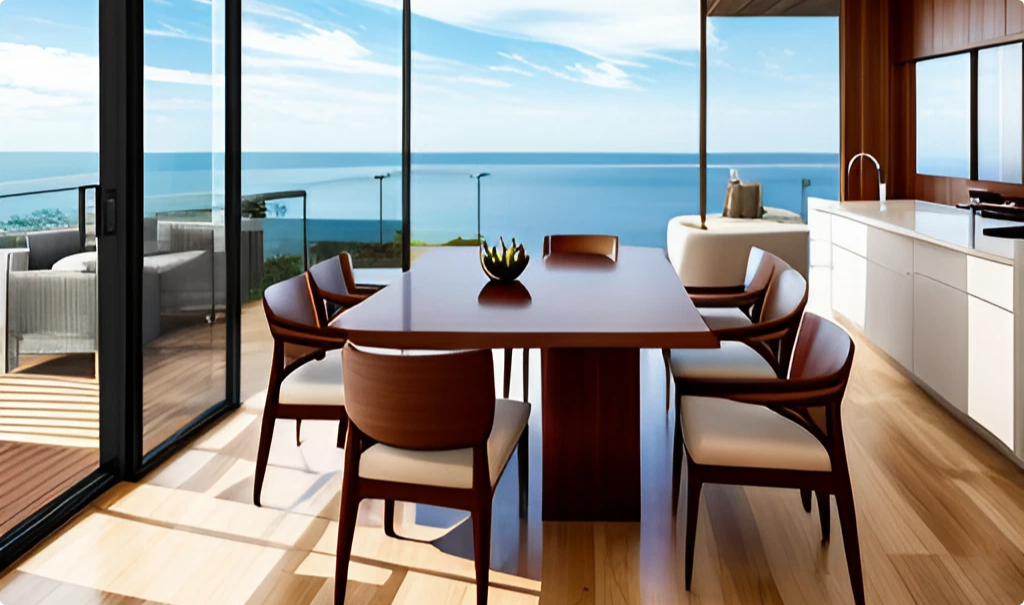
- Enjoy [Selling Point] at [Adjective] [Property Type] in/at [Location]
Example: Enjoy Ocean Views at Modern 2BR Condo at the Beach
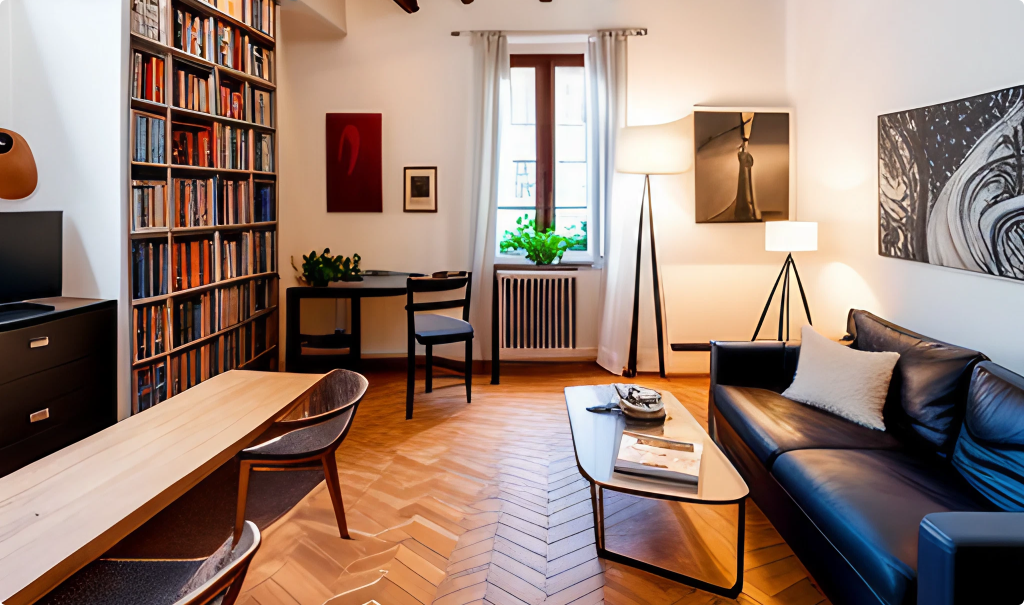
- [Adjective] + [Property Type] + [Benefit]
Example: Secluded loft in the heart of Trastevere
Remember: To catch the attention of your target audience, incorporate your main benefit into the descriptive adjectives you choose.
A few (important) guidelines to remember
Keep these simple tips in mind to make sure your title quality aligns with Online Travel Agency (OTA) standards and can comfortably be viewed by guests browsing on their mobile devices:
-
- Get all of your valuable information into the first 32 characters of your title (this will always be visible on all mobile devices)
- Do not use emojis, ALL CAPS, or overuse special characters such as exclamation marks (!!!)… (one exclamation mark is fine, though)
Save space – abbreviate
Keeping your title short, sweet, and descriptive is a big ask. This is where abbreviations come to the rescue. Here are a few common ones to keep in back of mind:
| Title abbreviations | Examples |
| Air conditioning > AC, A/C | Sunlit condo A/C, Wi-Fi included |
| Apartment > Apt | Gorgeous 4-BR apt in historical Copenhagen |
| Bathroom > BA | Large 2br/2ba near city centre |
| Bedroom > BR | Ocean view 4 BR apartment |
| Barbeque > BBQ | Luxury bungalow close to the beach, BBQ |
| Downtown > DT | Bright and spacious apartment in DT Århus |
Titles character limitations on different channels
|
|  Booking.com: 50 characters recommended. |  VRBO titles range from 20 to 140 characters. |
 Expedia: 100 characters |
|
|


If you’re publishing your listing from a channel manager like the one available inside Your.Rentals, try to keep the bulk of the value in your title visible in the first 50 characters for best results on all OTAs.
Avoid repeating information
Make your listing title special by talking about things that make your place different.
Don’t repeat stuff that people can already see when they search, like the city name or how many beds you have. Remember that a lot of context is already provided by the guest’s search – and a lot more will be mentioned in your description.
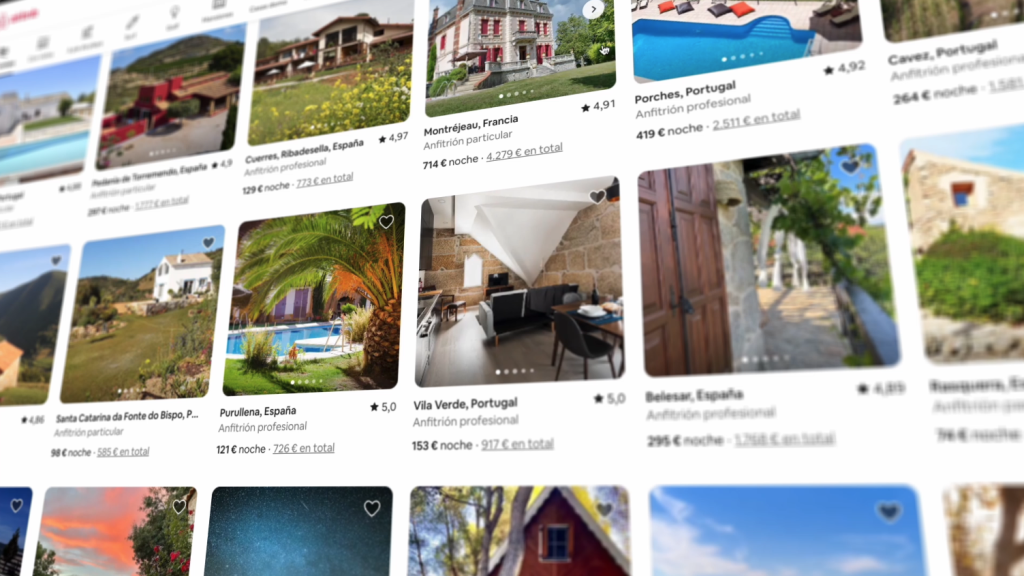
If your place is in a big city, you could say which part of the city it’s in (For Rome, this could be Piazza Navona or Trastevere). There’s no need to waste space mentioning things that are already implied in the guest’s search.
Mention what makes your home special. If it’s a great working space, mention that. If it’s quiet and cosy in the middle of a bustling area, mention that.
Remember, you’ll have plenty of room to say more in your description.

Your.Rentals
Your.Rentals is your All-in-one short term rental management solution. Manage your property listings, calendars, bookings and payouts on dozens of sites all through one single account – no need for an account on each channel. Simple to use and easy to get started. No sign-up fee, no subscription and no additional price per listing. You only pay when you get a booking.
Not using Your.Rentals yet?
Get in touch, or create an account